Side Project · PWA · Built with AI
Built the tracker I couldn't find.
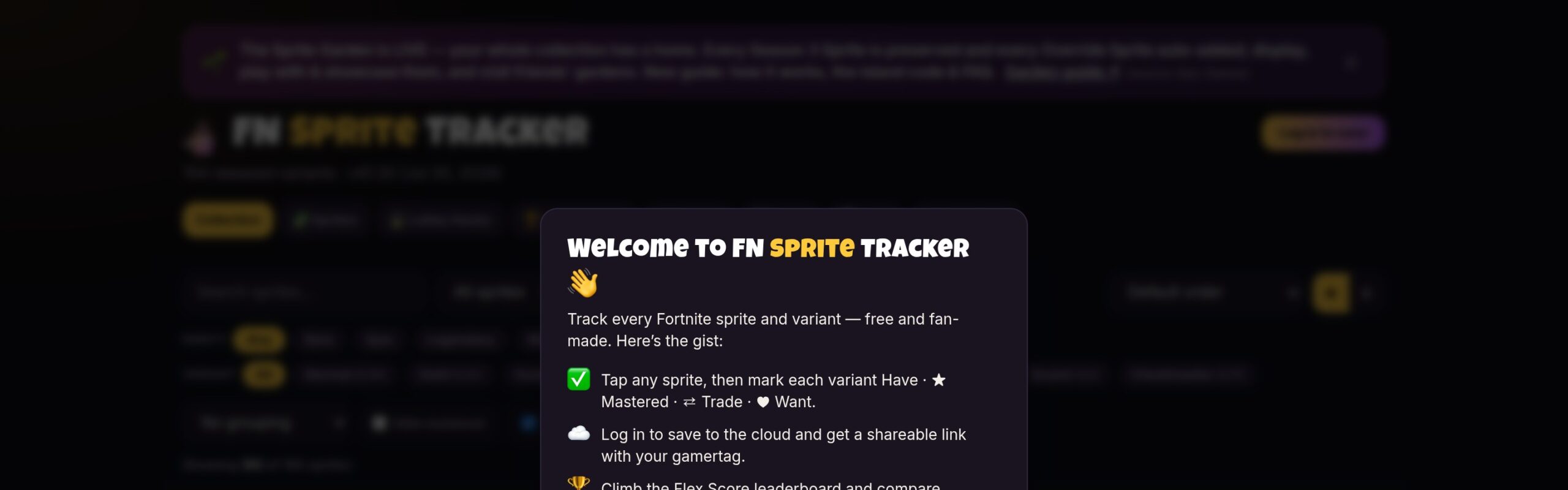
Every Fortnite sprite tracker I tried was buried in ads, didn't save progress persistently, or had UX that didn't match how collectors actually think. So I built one overnight — with Claude Code and Cursor — that does exactly what I need and nothing more.
Live · fnsprites.vercel.app

Released sprite variants tracked across all themes
Themes — Normal, Gold, Gummy, Galaxy, Gem, Holofoil, Cube, Quack
From frustrated to live in production
No tracking, no paywalls, no nonsense
Every tracker I tried annoyed me.
I collect Fortnite sprites. There are a lot of them — 8 themes, 4 rarities, dozens of characters — and tracking what you own gets complicated fast. The apps that existed either drowned you in ads, didn't save your progress between sessions, or had filtering that didn't match how collectors actually navigate their collections.
I built this the same night I got frustrated. That's the right moment to ship a tool — when the problem is immediate and specific.
A tracker that actually tracks.
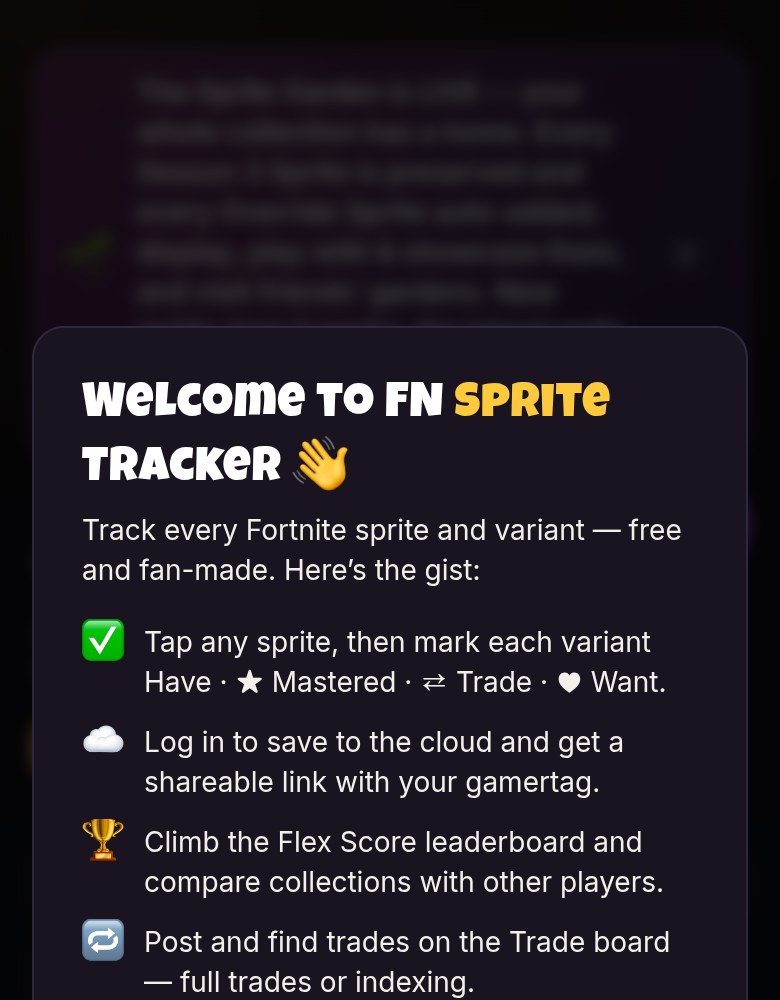
Six things. Exactly the six things a sprite collector needs. Nothing padded in for optics.
Collection + Mastery progress
Two live progress bars — how many sprites you own vs. mastered. Updates instantly as you toggle owned/mastered states.
Rarity & theme breakdown
Ring charts by rarity and progress by theme. Contextual nudge when you're close: '2 away from completing Rare.'
Filter, search & sort
Filter by theme, rarity, search by name, group by character or theme, sort by completion or rarity. Actually navigable.
Shareable collection link
Save your gamertag, get a public URL. Share in Discord, post it, coordinate trades with other collectors.
Trading
Mark sprites for trade or wanted, find matches with other collectors. The feature that made this worth sharing.
Persistent saves
Your collection stays saved. This was the baseline every other app missed — and the reason I built this in the first place.
One evening. Claude Code and Cursor.
I didn't plan this in advance. I got frustrated with existing apps, opened Claude Code, described what I needed, and started building. Idea to deployed — same night.
This is what AI-augmented design looks like in practice. Not using AI to design — using it to remove the friction between a design intent and a working product.
Problem definition
Frustrated with every existing tracker. Opened Claude Code and described the exact app I needed — what it should track, how filtering should work, and why every other tool missed.
Architecture + data model
Scaffolded app structure, sprite data schema, storage model. Directed UX hierarchy — two progress bars up top, rarity breakdown below, filter strip, then the grid. Iterated layout in Cursor.
Core features
Collection + Mastery tracking, progress bars, rarity/theme breakdown, filter + search, owned/mastered toggle states. The meat of the product — built fast because the data model was solid from hour one.
Trading + sharing
Gamertag save, public collection link, trade matching. Shareable URL UX needed the most iteration — getting the read state right for non-authenticated visitors took a few passes.
Deploy
Pushed to GitHub, connected to Vercel, live at fnsprites.vercel.app the same night. Zero config. The kind of friction-free deploy that makes shipping feel light.
Support the maker
Creator code in the Fortnite Item Shop
Track your sprite collection — free, no ads, no nonsense.