NARC — Designing trust into AI-assisted detection.
NARC uses an LLM to extract intelligence from threat reports and surface findings analysts can act on. Making the output useful was the easy half. Making it trustworthy — to skeptical analysts making real security decisions under pressure — was the design problem. Across three versions, every state was a trust decision.
by design
saves
01 — The Problem
NARC existed before I did anything.
It worked — an API that extracted intelligence from threat reports and mapped them to a standard threat taxonomy. But it was API-only. Customers who wanted their threat reports reflected in their coverage data had to build and maintain integration code themselves. The team's own assessment: the adoption barrier was too large.
The underlying job was tedious and manual. Analysts read threat reports and hand-mapped them to ATT&CK techniques, which is slow, inconsistent, and exactly the kind of work a model should be good at.
So the product problem wasn't extraction quality. It was delivery — and delivery meant letting a model write into the system of record that customers make security decisions from.
An API that returns JSON is a suggestion. A feature that updates a knowledge base is an action.
That's a different problem. And it's why this project wasn't really about AI — it was about what it takes to let a probabilistic system touch data that people depend on.
02 — The Constraints
Before designing a screen,
the boundaries had to be settled.
Most of these were product and engineering decisions I designed within rather than decisions I made — but they shaped every subsequent interface choice. Each one removed a capability. Together they defined the actual design problem: within these walls, how do you make a model's output legible enough that an analyst can decide what to accept?
03 — Key Decisions
The arguments, the pivots,
and what got removed.
Should objects created by NARC be identifiable as NARC-derived?
Early in the integration design, I asked whether NARC-derived objects should carry provenance markers. The answer was no — implementation complexity, plus a concern that some customers might view AI provenance negatively.
I understood the argument. I didn't think it survived contact with the actual workflow. If an analyst can't tell which parts of their knowledge base came from a model, they can't audit it, and they can't decide how much to trust it.
By GA, the decision had reversed. The release introduced a "last modified by NARC" timestamp and a dedicated table of NARC-processed objects. What changed wasn't the trust argument — it was that the business needed the same thing to show customers what NARC had done for them, in order to justify renewal.
I'd have preferred to win it on the user-trust argument. But the outcome is the point — and knowing why it eventually landed is more useful than pretending I was simply right the first time.
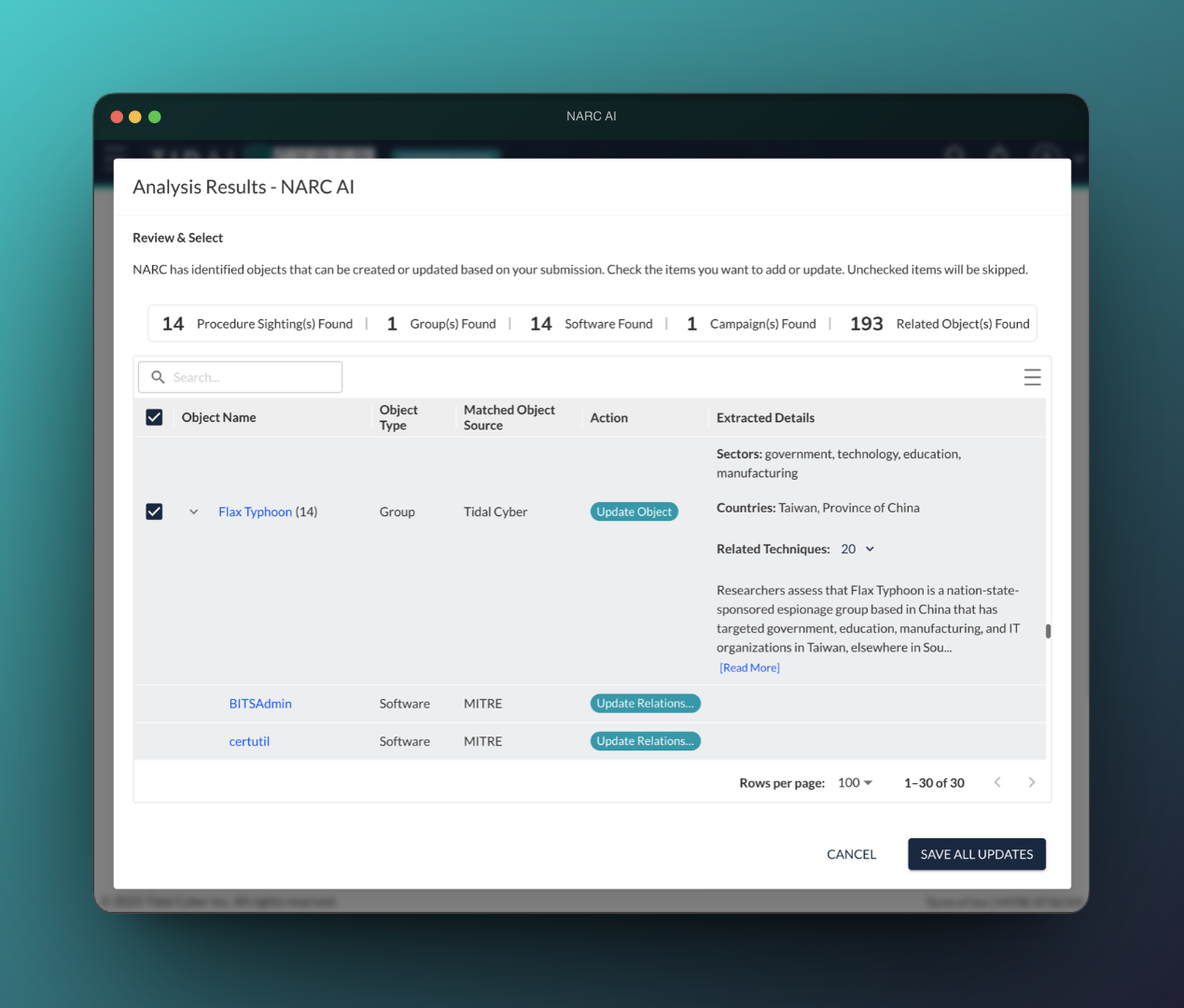
The results table was asking the user two different questions at once.
Pre-GA testing surfaced the sharpest interface problem in the project. One column was trying to communicate: where did this object come from, and what is NARC about to do to it. Those are separate questions. Collapsing them meant that when several objects shared a name, users couldn't tell whether NARC would create, update, or leave something alone.
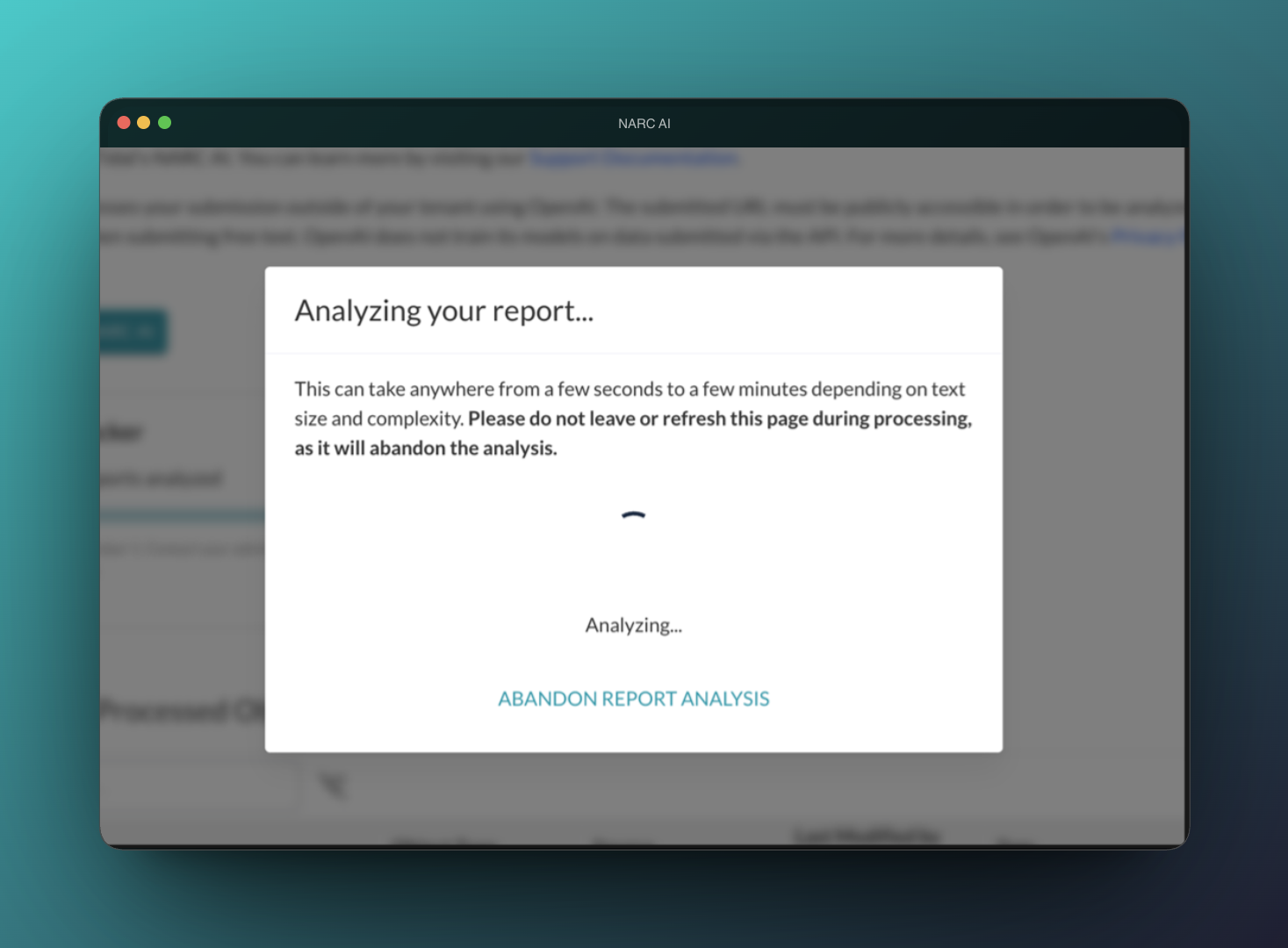
Working with the product lead and an engineer, we split them: Matched Object Source became its own column, distinct from Action. Related fixes followed — the literal placeholder "<object to be created>" became a plain "New" tag; the action during processing changed from "Cancel" to "Abandon," because cancel implied the system would undo something it couldn't.
Search inside the results table didn't work reliably. The obvious move was to fix it.
The deeper problem was worse than a bug: filtering could silently uncheck results the user had already selected and could no longer see. A user could search, narrow, save — and apply a different set of changes than the one they thought they'd approved.
The team removed search entirely and moved it to the backlog.
A results table without search is a worse feature. A results table that silently changes what you're about to save is a worse product. That distinction is most of what this project taught me.
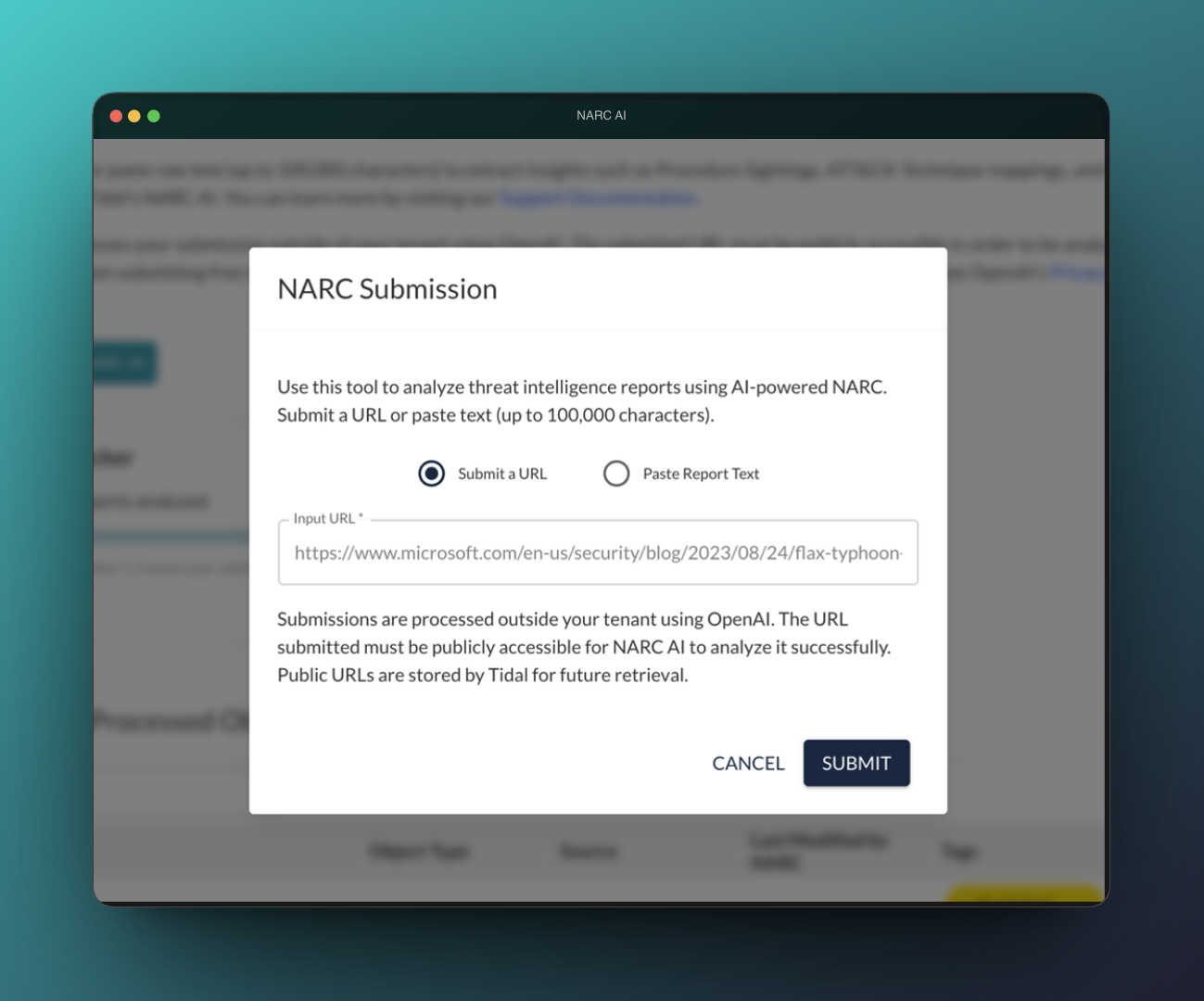
An early proposal called this "NARC AI Report Analyzer." I pushed for "NARC AI."
The long name was clearer in the short term but it locked the feature to a single input type — and if the product ever accepted anything other than a report, the navigation label would be wrong.
Nine months later, PDF upload shipped with a page-based credit model. A year later, the feature was generating exports and scoped campaigns. A navigation label is a cheap decision that becomes expensive to reverse. This one cost a Slack thread.
04 — What's Still Open
Four things the production
record is explicit about.
The most useful design documentation is honest about what didn't get finished and what broke. Here's the open ledger.
05 — What I Took From This